Business Central vs. Finance & Operations: Choosing the Right Dynamics 365 ERP
Dynamics 365 Business Central Finance and Operations ERP
Choosing between Microsoft Dynamics 365 Business Central and Dynamics 365 Finance & Operations is one of the first major decisions an organisation faces when moving to a modern ERP. Both run on the Microsoft cloud, both share a data model with the wider Dynamics 365 family, and both integrate cleanly with Microsoft 365 and Power Platform. But they target very different kinds of business.
This guide breaks the decision down the way we teach it in our courses: by company size, process complexity, and total cost of ownership.
The short answer
- Business Central suits small and mid-sized organisations (roughly 10–300 employees) that want a single, well-integrated system covering finance, sales, purchasing, inventory, and light manufacturing.
- Finance & Operations suits larger enterprises with high transaction volumes, complex global operations, advanced manufacturing, or strict regulatory requirements across multiple legal entities and countries.
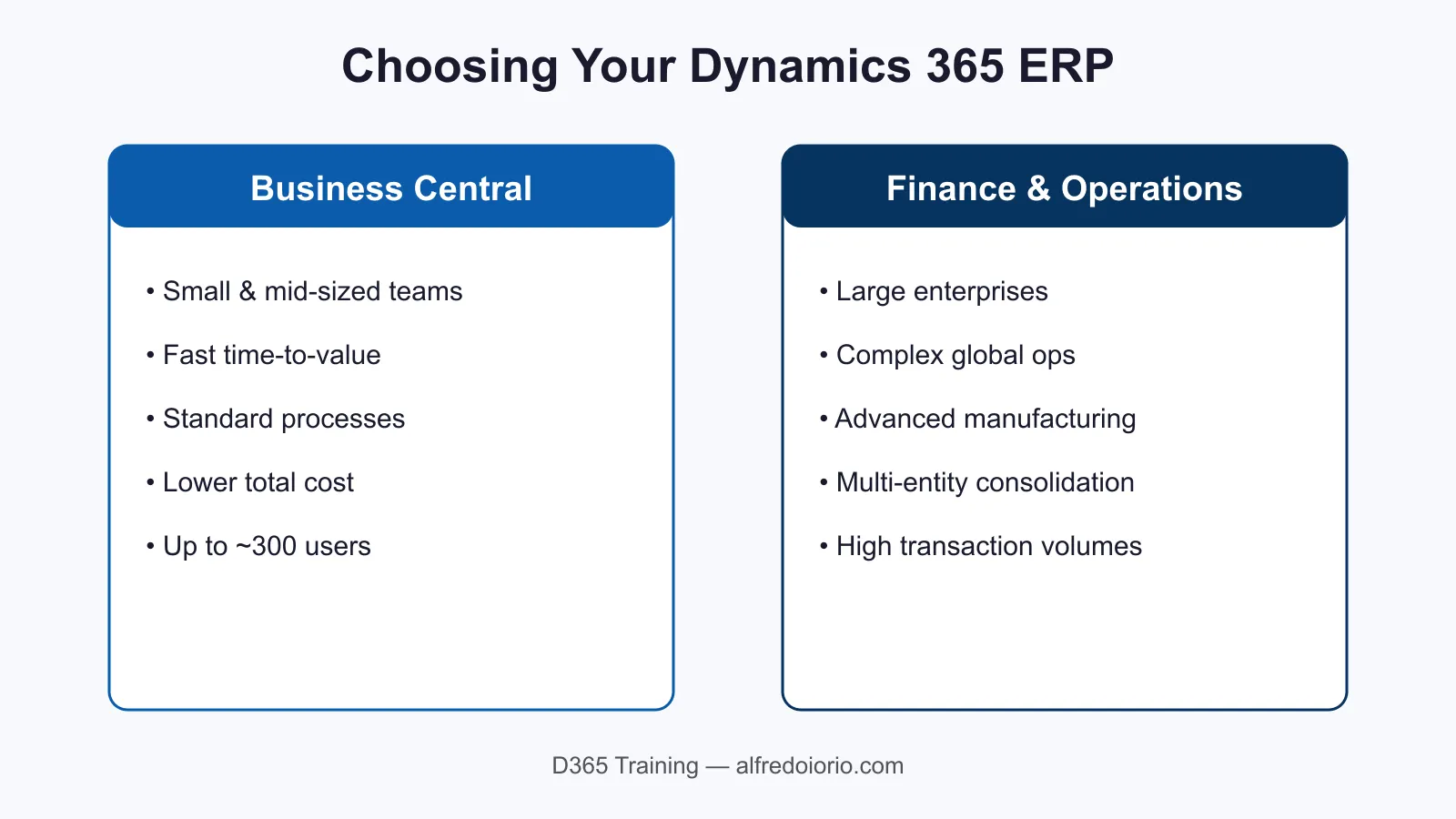
If you can run your business on standard processes and want fast time-to-value, start with Business Central. If you have genuinely complex, high-volume operations, Finance & Operations earns its added cost. Microsoft’s own Business Central capabilities overview is a useful reference once you’ve narrowed the choice.
Company size and scale
Business Central is engineered for simplicity and speed of deployment. A typical implementation runs in weeks to a few months, and the system comfortably handles the transaction volumes of a growing SMB.
Finance & Operations is built for scale: millions of transactions, dozens of legal entities, and sophisticated consolidation. That power comes with a longer implementation — usually six months or more — and a larger project team.
Process complexity
| Capability | Business Central | Finance & Operations |
|---|---|---|
| Core financials | Strong | Strong |
| Multi-entity consolidation | Good | Excellent |
| Advanced manufacturing | Basic–moderate | Excellent |
| Warehouse management | Moderate | Excellent |
| Global tax & compliance | Moderate | Excellent |
If your warehouse, manufacturing, or compliance needs go beyond the standard, Finance & Operations gives you depth that Business Central would require significant extension to match.
Total cost of ownership
Business Central has a lower per-user licence cost and a smaller implementation footprint, which keeps total cost of ownership down for smaller teams. Finance & Operations costs more per user and demands more from the implementation and support side — but for a large enterprise, that cost is spread across far more users and far more value.
How to decide
Run the decision in this order:
- Count your users and entities. Under ~300 users and a handful of entities points to Business Central.
- Map your most complex process. If manufacturing, warehousing, or global compliance is core to your business, lean toward Finance & Operations.
- Weigh time-to-value against depth. Business Central gets you live fast; Finance & Operations gives you room to grow into complexity.
Most organisations we train are well served by Business Central — and the ones that genuinely need Finance & Operations usually already know it.
Once you’ve settled on Business Central, our 7-step implementation checklist covers what to do next — scoping, data migration, and go-live.
Next step: If you’re planning a migration, our hands-on courses walk through configuration, data migration, and go-live for both products.